
Getting Started | Home | Module I | Module II | Module III | Module IV
Environments | Home
REQUIRED
If this is your first Virtual CRASH self-paced training course, take a few minutes to read over the Getting Started page. The Getting Started page includes details on grading, completion time, and the requirements to receive a certificate of completion. Successful completion of this course assumes an active and valid vCRASH software license.
COURSE DESCRIPTION
This course deals with creating scale diagrams and 3D environments from survey data Virtual CRASH. Although this course is ideal for new users of Virtual CRASH, even experienced users stand to benefit from many of the topics covered. Note, this course was developed in Virtual CRASH 6, but also applies to Virtual CRASH 3, Virtual CRASH 4, and Virtual CRASH 5.
GENERAL READING RECOMMENDATIONS FOR ACCIDENT RECONSTRUCTION
Vehicle Accident Analysis and Reconstruction Methods by Brach and Brach
Fundamentals of Traffic Crash Reconstruction by Daily, Shigemura, and Daily
Classical Dynamics of Particles and Systems by Marion and Thornton
COURSE MODULES
Module I: Simple Scale Diagram
Module I teaches how to create a fully scaled, layered, and annotated aerial scene diagram in Virtual CRASH, including image import, layer management, vehicle placement, trajectory creation, and final labeling for presentation.
Module II: Total Station Data and Google Imagery
This module demonstrates how to build a scaled, terrain-based crash scene diagram in Virtual CRASH by integrating survey data, aerial imagery, CAD elements, 3D vehicles, lighting controls, and high-resolution output tools.
Module III: Introduction to working with Point Clouds
Module III teaches how to import and process point cloud data in Virtual CRASH to build a 3D terrain mesh
Module IV: Integrating Photogrammetry and Point Clouds for Advanced Collision Reconstruction
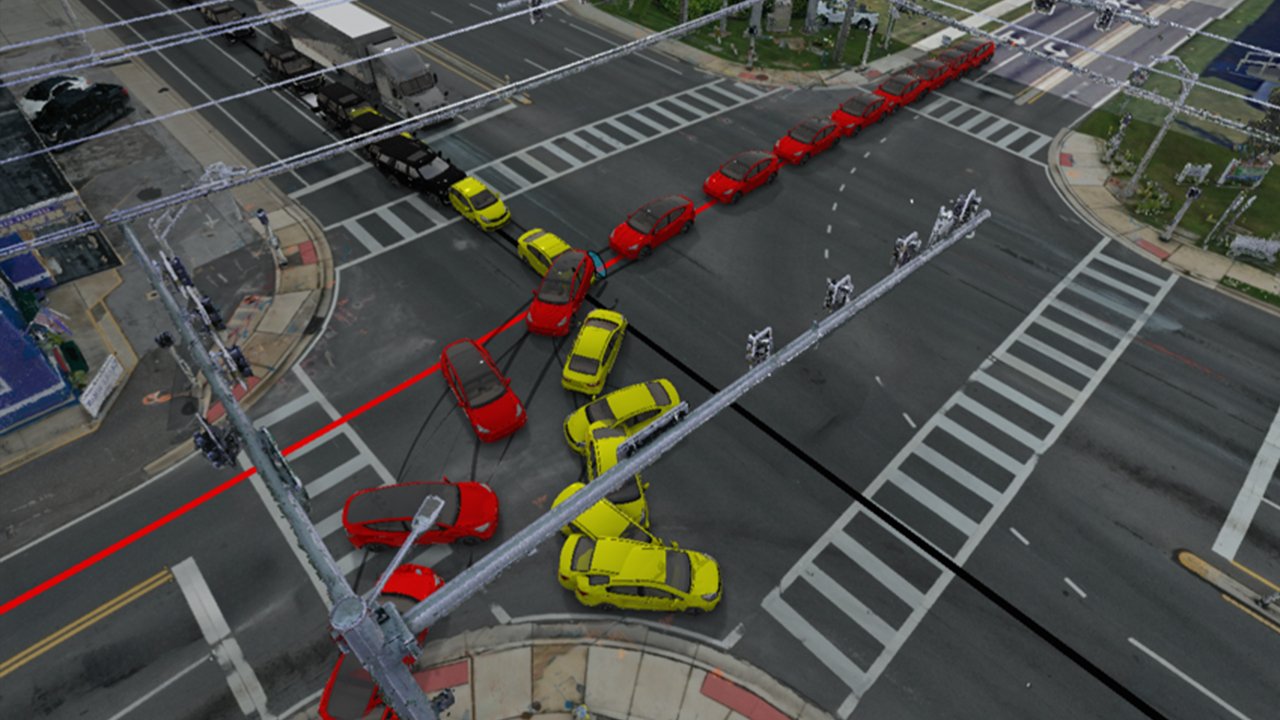
Module IV reviews the process of integrating photogrammetry data and point clouds into Virtual CRASH, including terrain meshing, aligning external aerial imagery, and configuring a multi-vehicle collision simulation with automated driver trajectories.
Do you have a technical support issue, such as:
Virtual CRASH software installation problem?
Automatic software update problem?
Understanding how a feature or function works?
Geometry or total station file import problem?
Problem finding the right User's Guide, Knowledge Base, Blog, or training video to help with your specific use case?
Need to request that a potential use case be explained that is not well documented in the vCRASH Academy.
Need to report a potential software problem?
Technical support inquiries can be submitted to the Virtual CRASH team at: https://www.vcrashusa.com/support
This course is protected by federal copyright law. No part of this course may be copied, distributed, transmitted, transcribed, stored in a retrieval system, or translated into any human or computer language, in any form or by any means—electronic, mechanical, manual, or otherwise—nor shall any part of this publication be disclosed to any third party. The unauthorized reproduction or distribution of a copyrighted work is illegal. Criminal copyright infringement, including infringement without monetary gain, is investigated by the FBI and is punishable by up to five years in federal prison and a fine of $250,000.
© 2026 Virtual CRASH, LLC
Getting Started | Home | Module I | Module II | Module III | Module IV